Product Detail & Adding to a Request
Product Detail Page
Click any product card to view its full details.
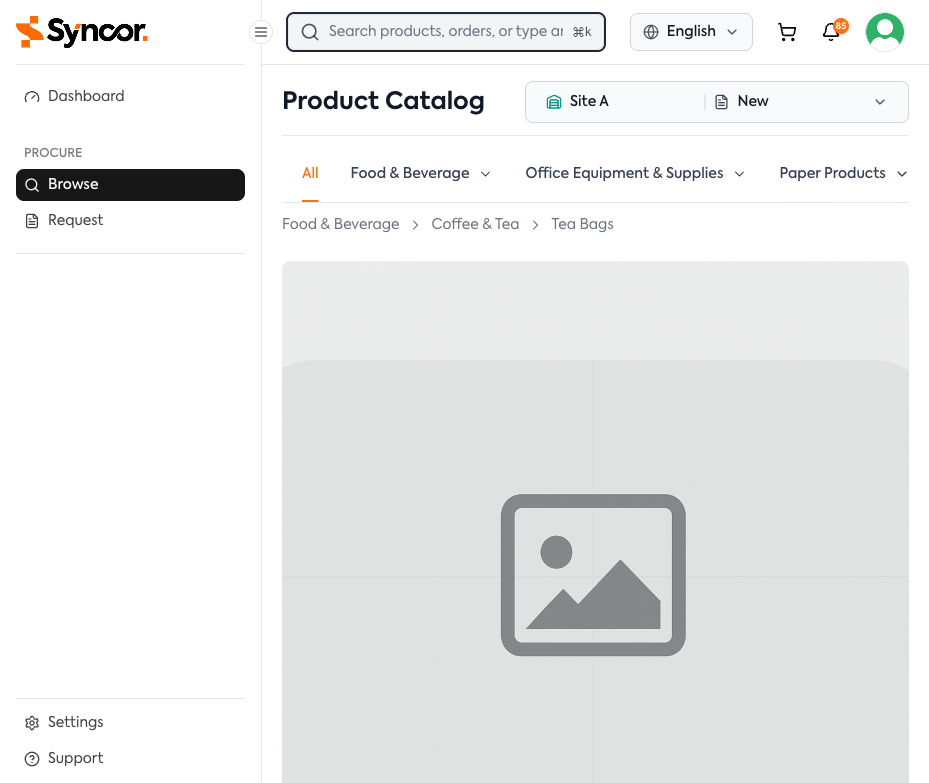
The detail page shows the product image (browseable if multiple), name, category, price, SKU, and unit of measure.
Variant Selector
If the product has variants (sizes, colors), a selector appears. Choosing a variant updates the SKU and pricing.
Expandable Sections
| Section | Default | Contents |
|---|---|---|
| Description | Expanded | Detailed product description |
| Specifications | Collapsed | Attribute table (material, weight, dimensions) |
| Attachments | Collapsed | Downloadable files (spec sheets, safety data) |
Related Products
A Related Products section may appear below the details if enabled by your organization.
Adding Products to a Request
From the Catalog Grid
- Set the desired quantity using the +/- buttons.
- Click Add.
- The cart icon updates to show the new item count.
From the Product Detail Page
- Set the desired quantity using the +/- buttons.
- Click Add to Request.
note
If you don't have an active draft purchase request, one will be created automatically. If your organization has multiple sites, you may be prompted to select a site first.
tip
You can keep browsing and adding products — all items accumulate in your current draft until you're ready to submit.