Approving Sourcing Requests
Sourcing Requests follow the same approvers as site-based approvers in Purchase Requests. Requests are only assigned to one site for approval, and approvers are determined based on the approval configuration for those Sites.
Approvers play a critical role in improving sourcing quality. Taking a few moments to update specifications, clarify requirements and add missing Sites can significantly reduce sourcing delays and improve supplier responses.
How Approvers Are Selected
Each Customer defines the minimum number of approvers required before a Sourcing Request can proceed to ProcureNet.
For example:
| Required Approvers | Approval Flow |
|---|---|
| 1 | First approver only |
| 2 | First approver, then second approver |
| 3 | First approver, second approver, then third approver |
| 4 | First approver, second approver, third approver, then fourth approver |
If a Sourcing Request is assigned to a Site that you approve for, the request will be assigned to you when it reaches your position in the approval flow.
How Will I Know I Have a Request to Approve?
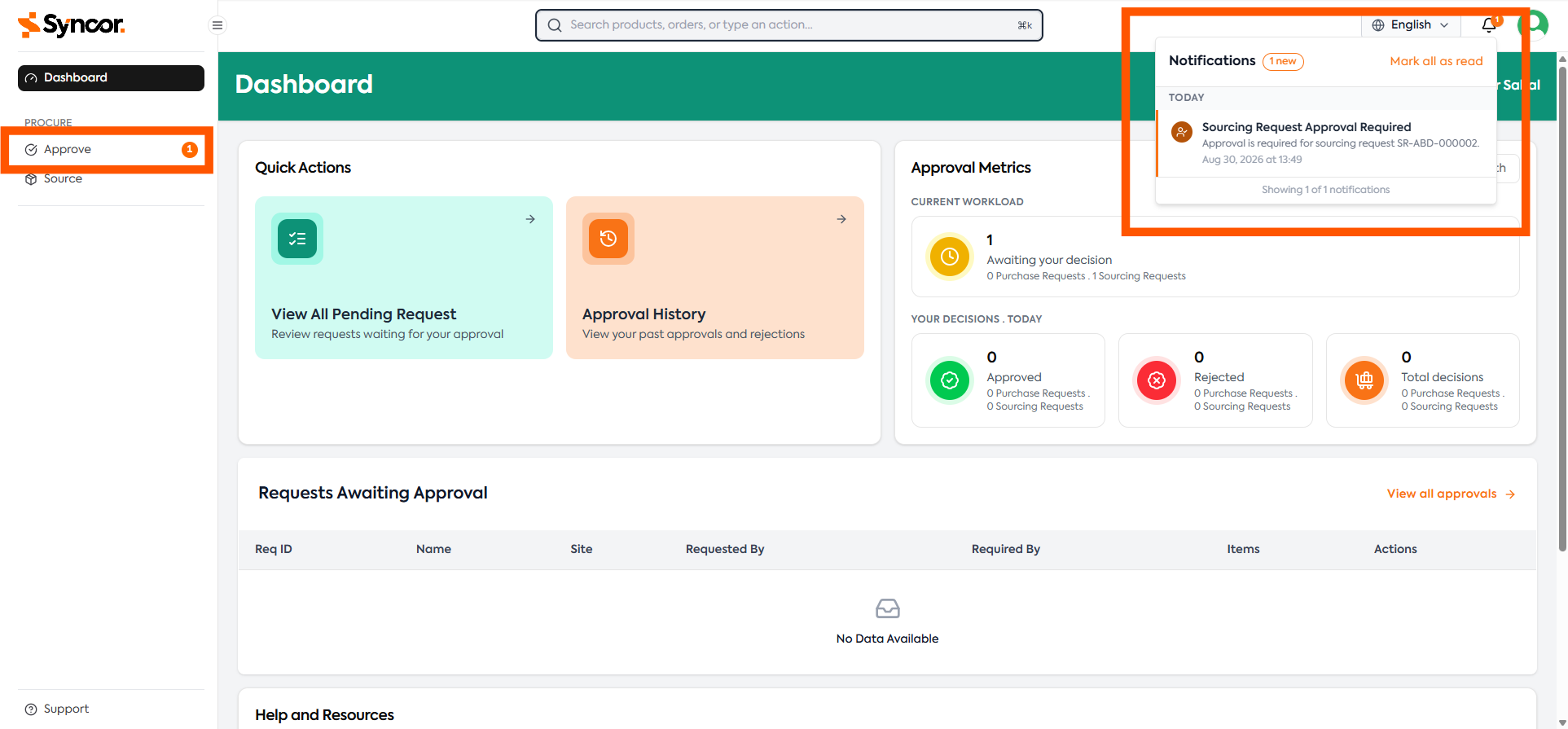
If a Sourcing Request requires your approval, Syncor will notify you through multiple channels.
You will see:
- A notification within the application
- An email notification
- An increase in the approval counter
- The request listed in your Dashboard
The Dashboard displays all requests currently awaiting your decision.
Viewing Pending Approvals
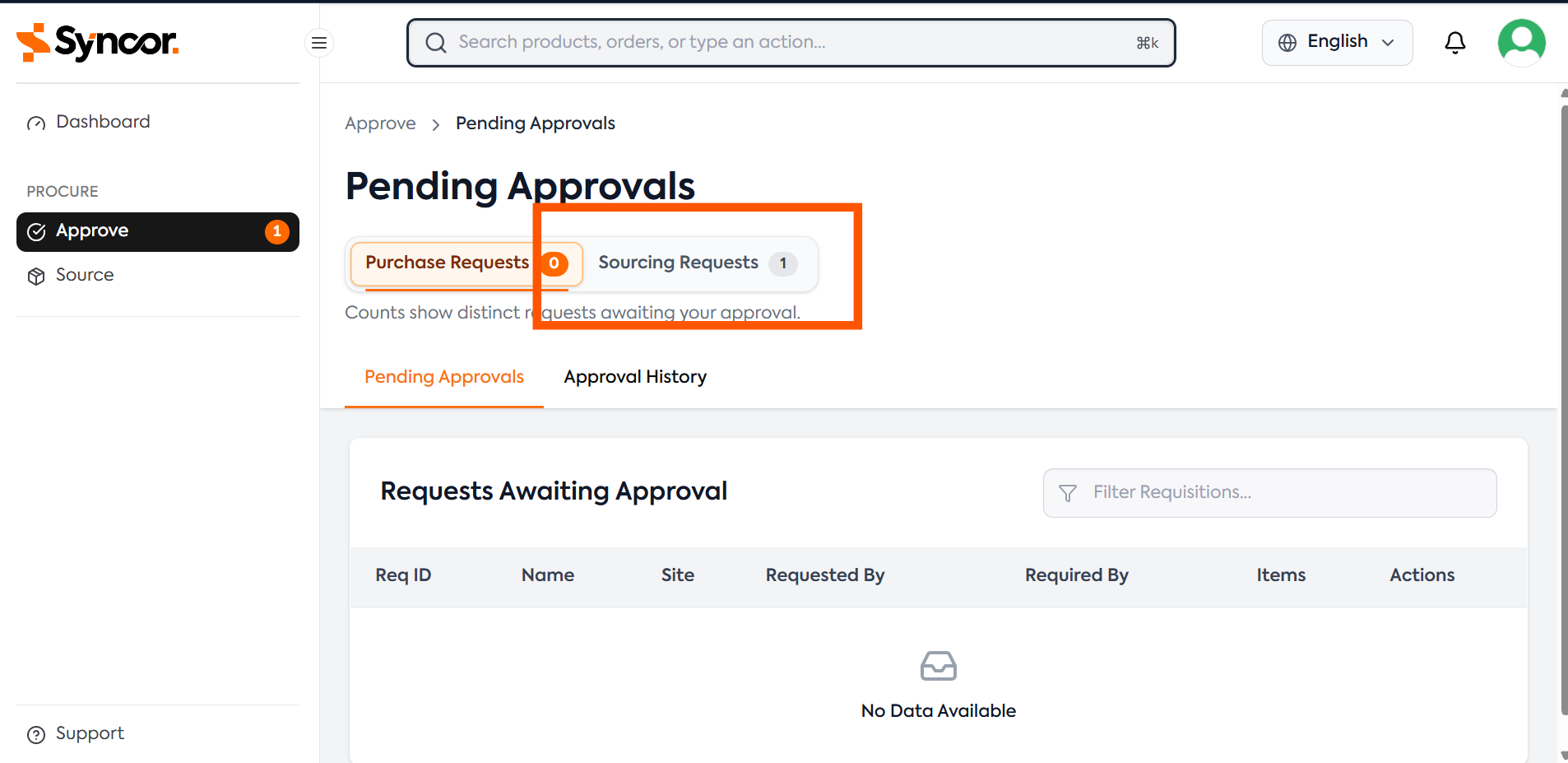
Navigate to:
Approve
You will see two tabs:
- Purchase Requests
- Sourcing Requests
Navigate to:
Sourcing Requests
Pending Approvals
Pending Approval tab contains all Sourcing Requests currently awaiting your approval.
Approval History
Contains all Sourcing Requests that you have previously approved, rejected or forwarded.
Reviewing a Sourcing Request
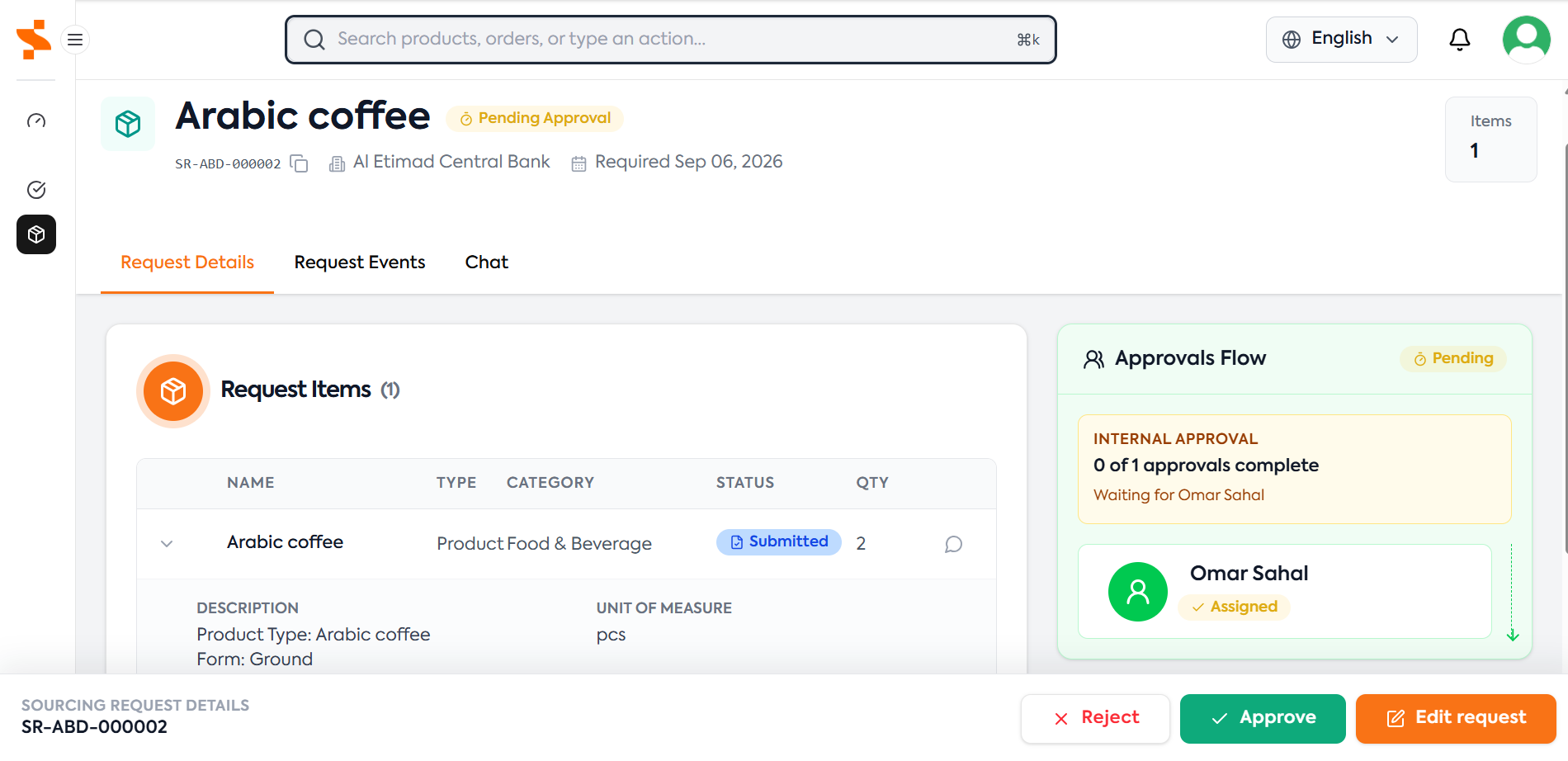
From the Pending Approvals tab:
- Locate the request you wish to review
- Click the request
- Review the request details
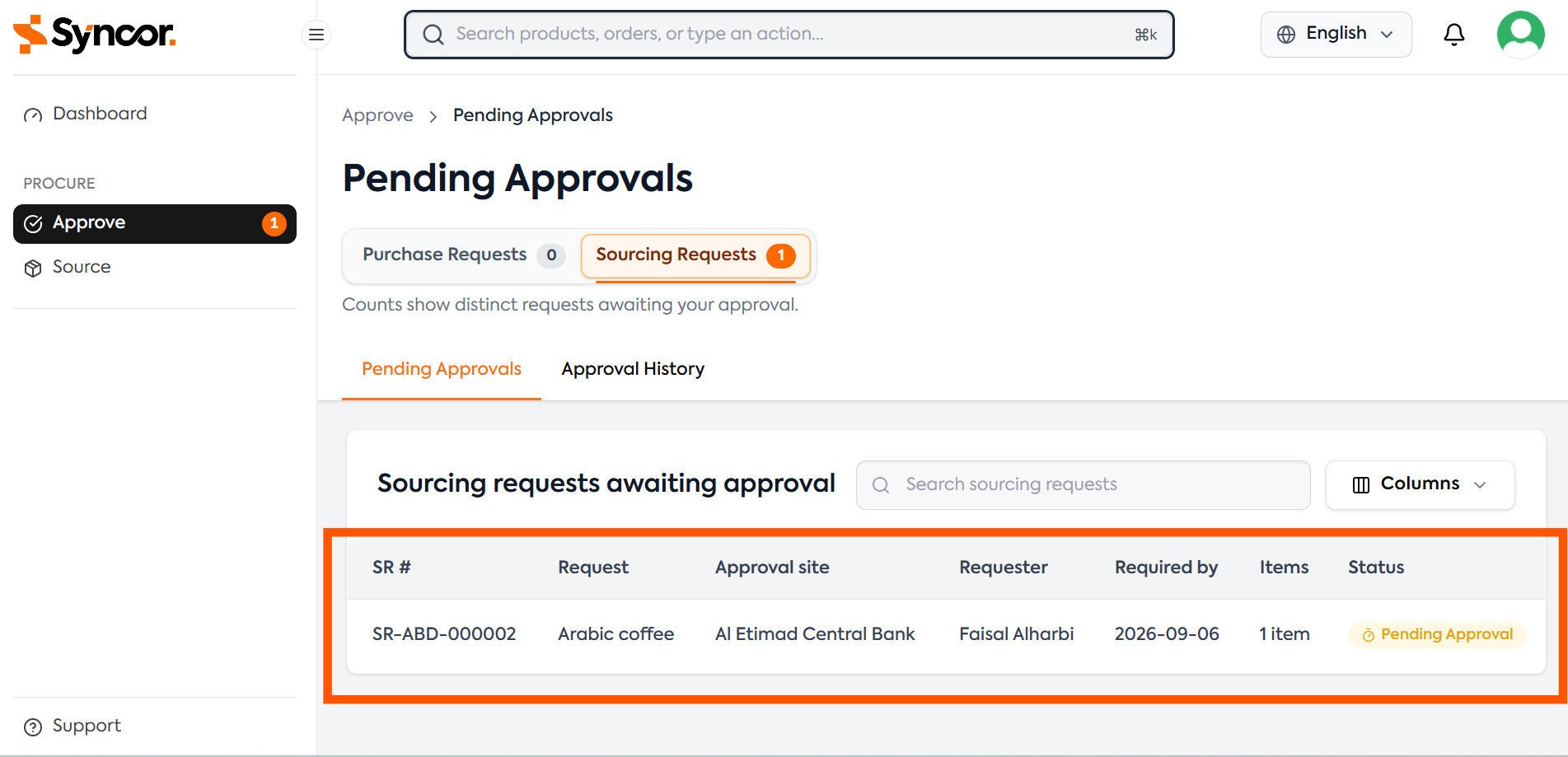
The request page provides information including:
- Request title
- Approval Site
- Requester
- Required date
- Product or service requirements
- Description
- Quantities
- Frequency
- UOM
- Supporting information
- Approval flow
When reviewing a request, carefully review the description, quantity, unit of measure, frequency, approval Site and any other information provided by the requester. Ensure the information is complete, accurate and suitable for sourcing before approving or forwarding the request. If the description is missing, unclear or lacks sufficient detail, update the request to include more information about the product specifications or service requirements. This will ensure the sourcing request gets processed faster. For more information see Creating a Sourcing Request
Approval Actions
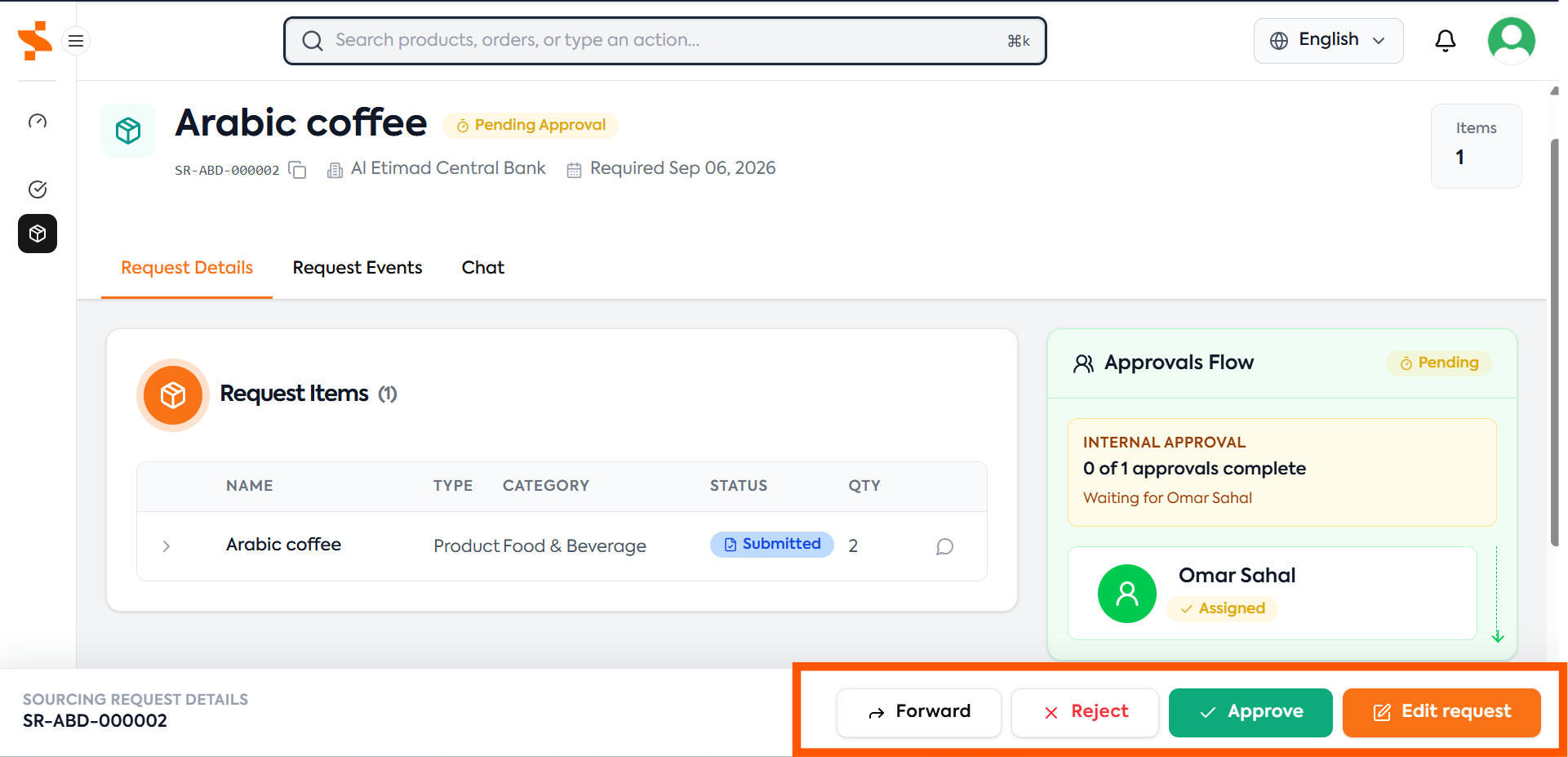
An approver can perform one of four actions:
- Approve
- Edit Request
- Reject
- Forward
Approve
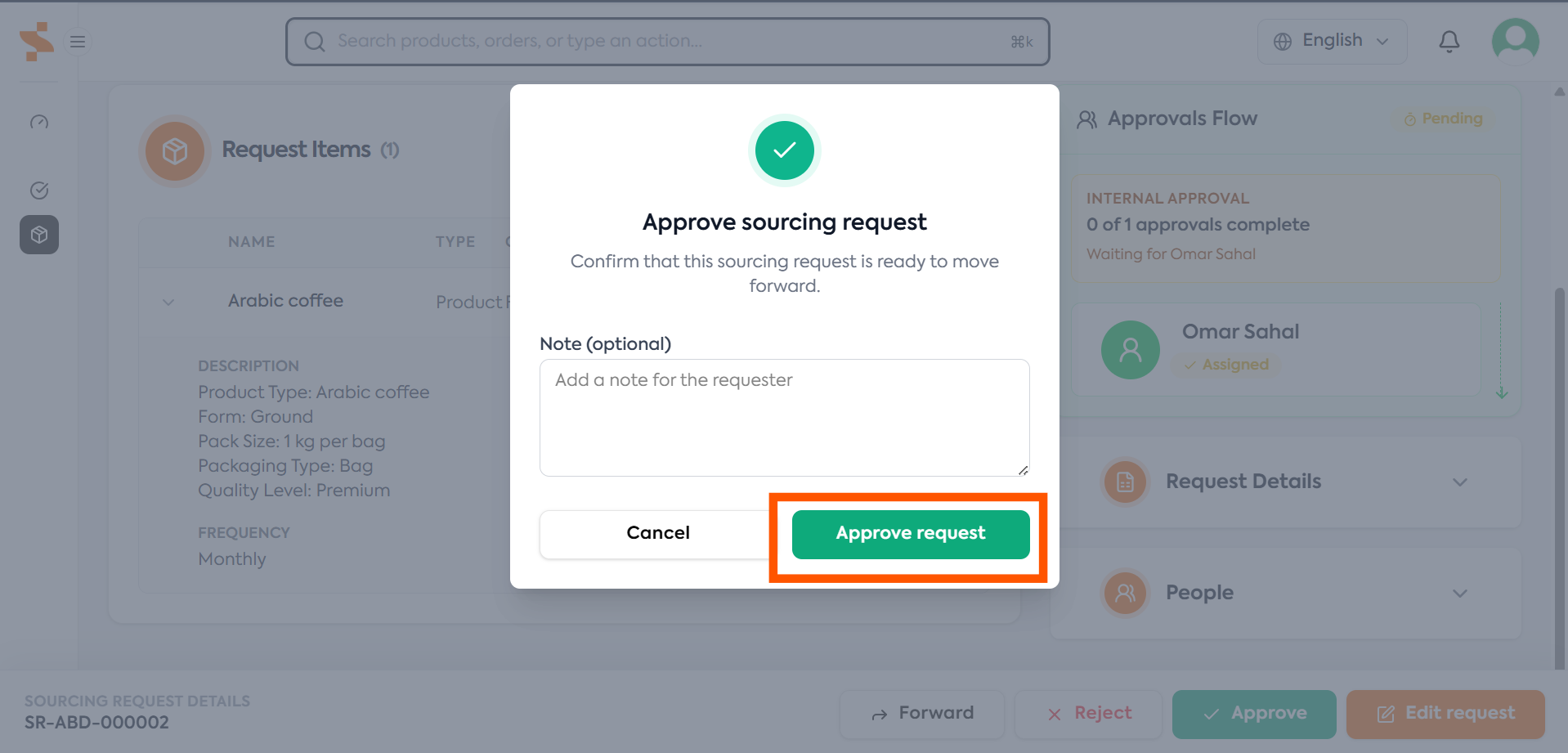
Approve the request when:
- The requirement is valid
- The information provided is complete
- The selected Sites are correct
- The specifications are clear
- The requirement should proceed to sourcing
Once approved:
- The request moves to the next approver (if required)
- Or is submitted to ProcureNet for sourcing (if no more approvers are required)
Edit Request
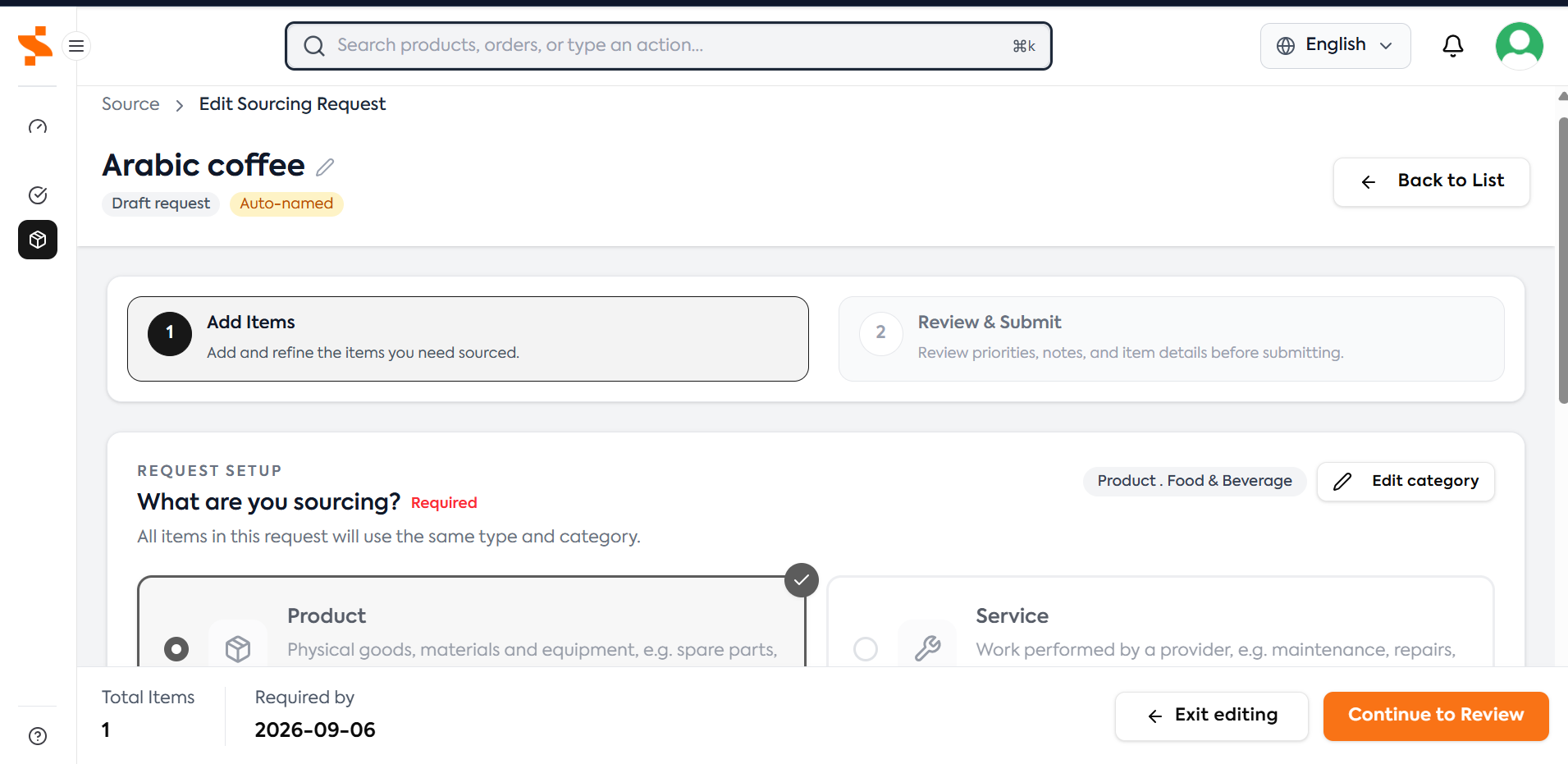
If the request is valid but requires improvements, select:
Edit Request
This allows you to update the request without removing it from the approval workflow.
Examples of updates an approver may make:
Improve Item Requirements/Specifications
Before:
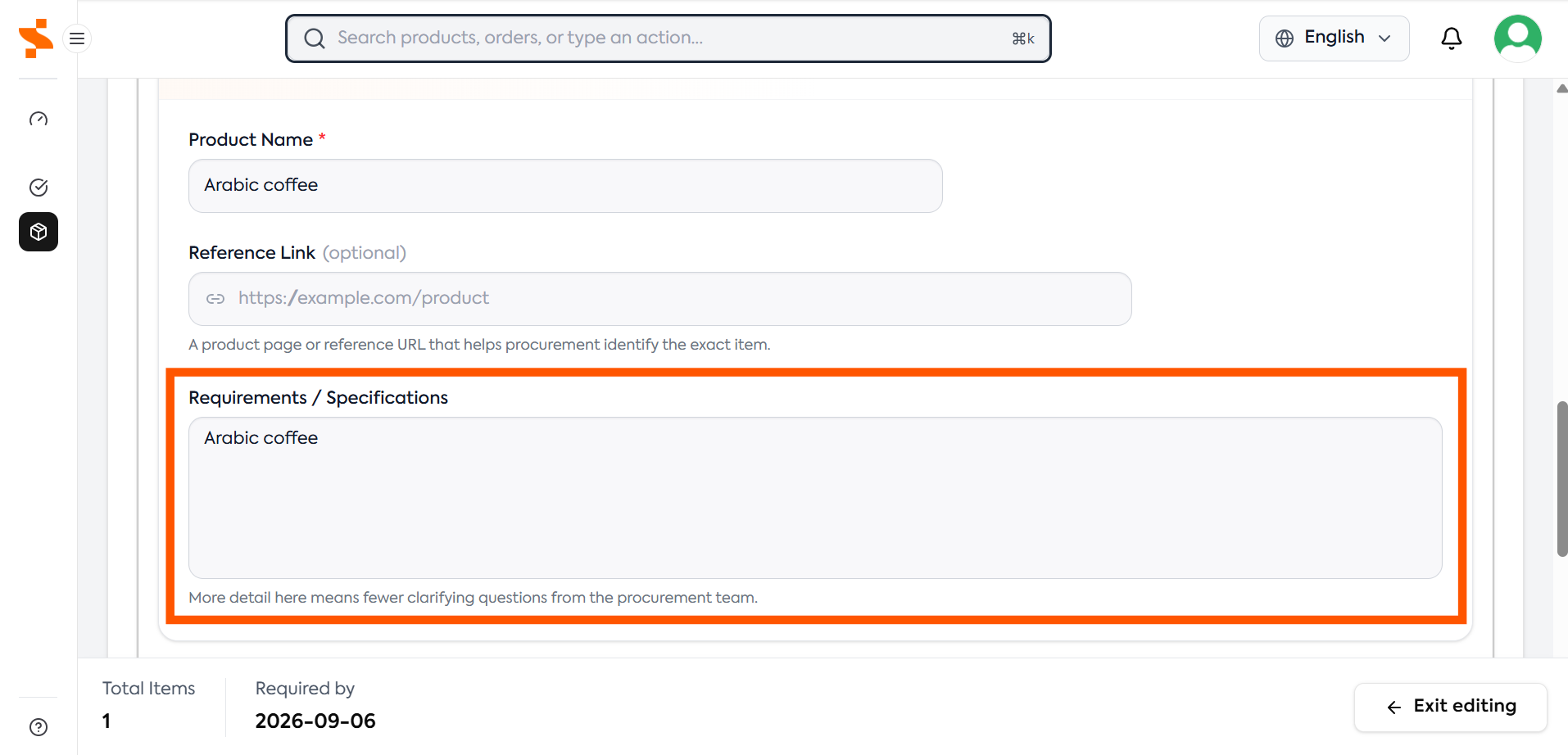
Arabic coffee
After:
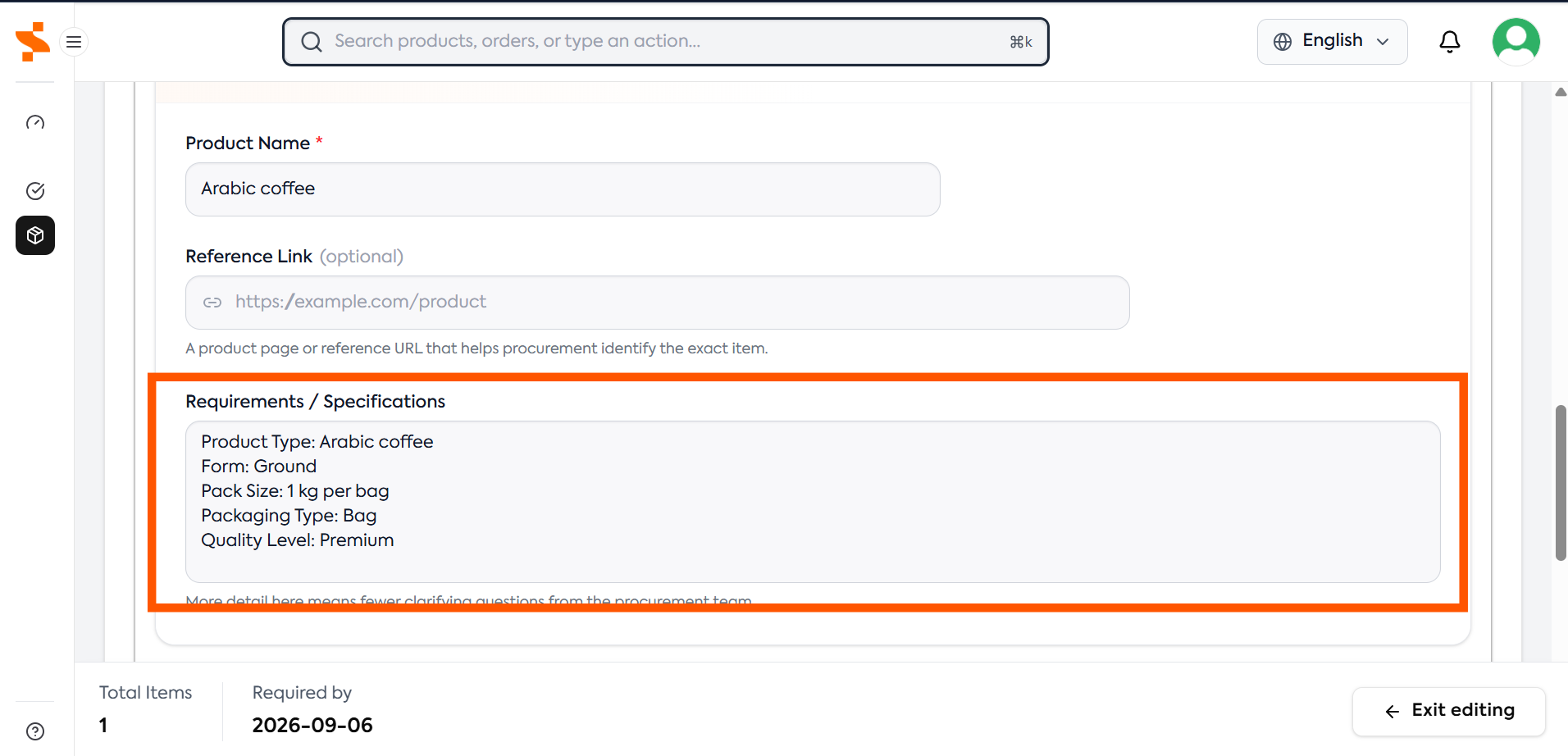
Product Type: Arabic coffee
Form: Ground
Pack Size: 1 kg per bag
Packaging Type: Bag
Quality Level: Premium
Update Frequency
Before:
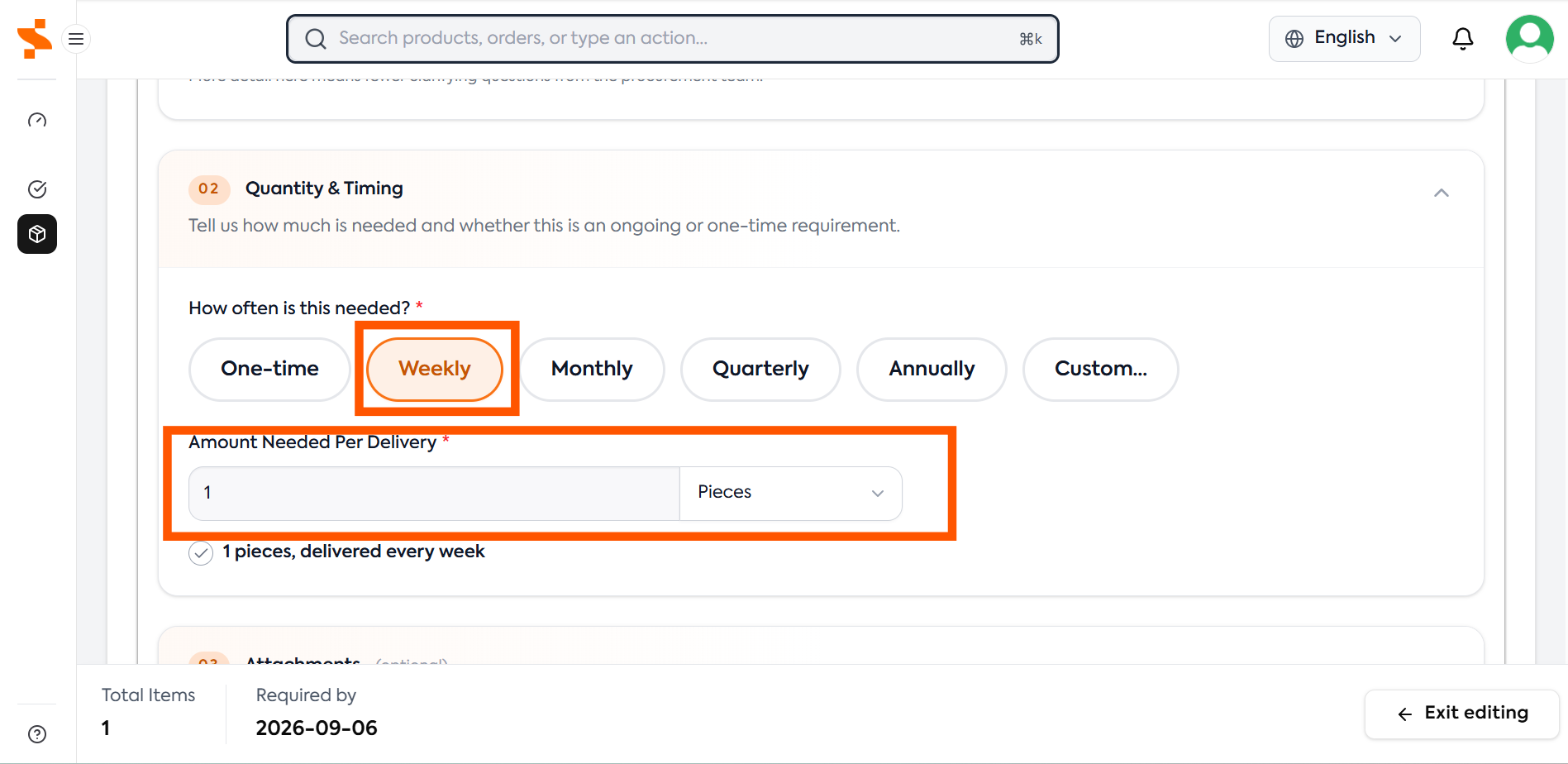
1 unit required per week
After:
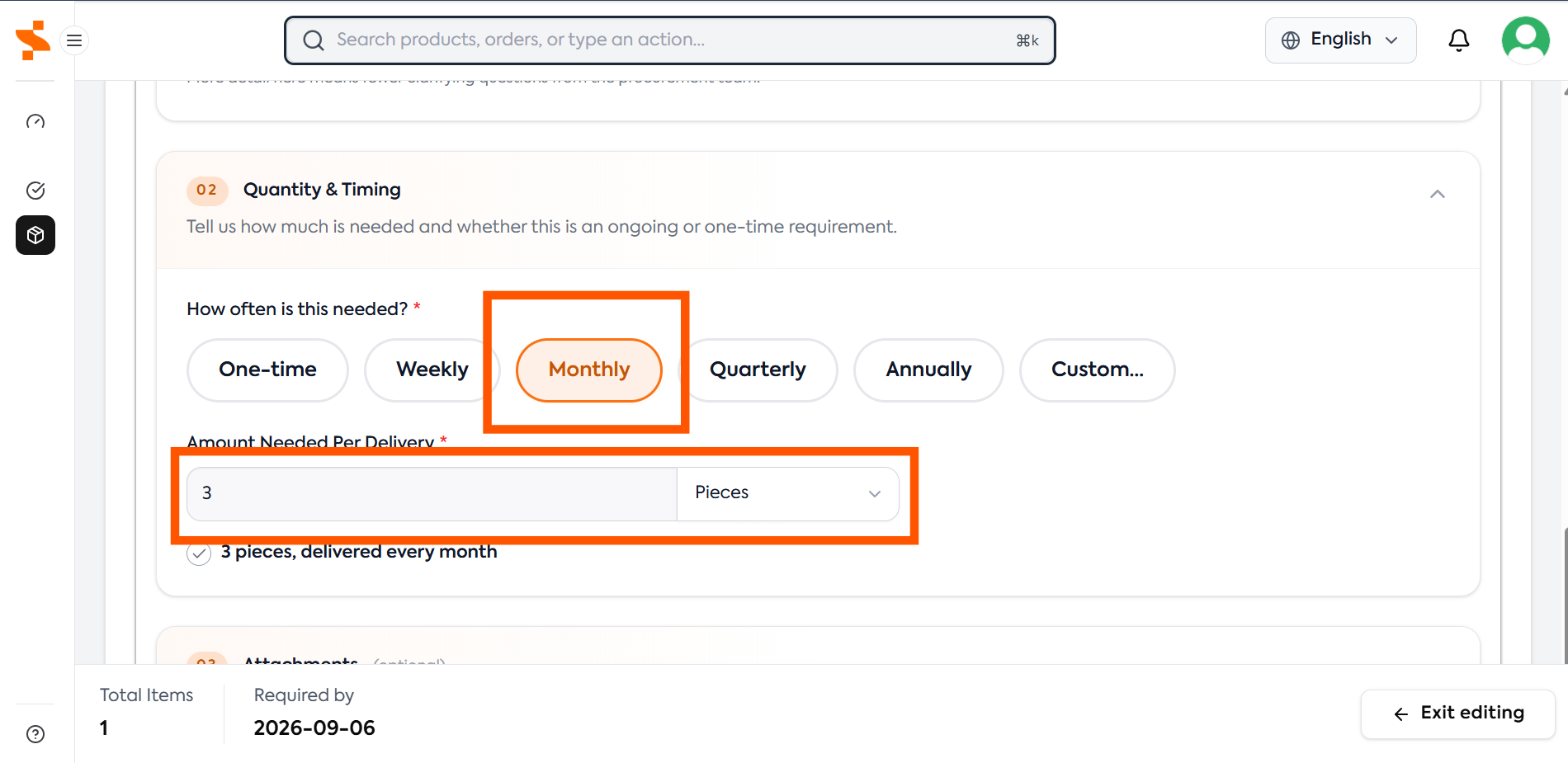
3 units required per month
Add Additional Sites
Before:
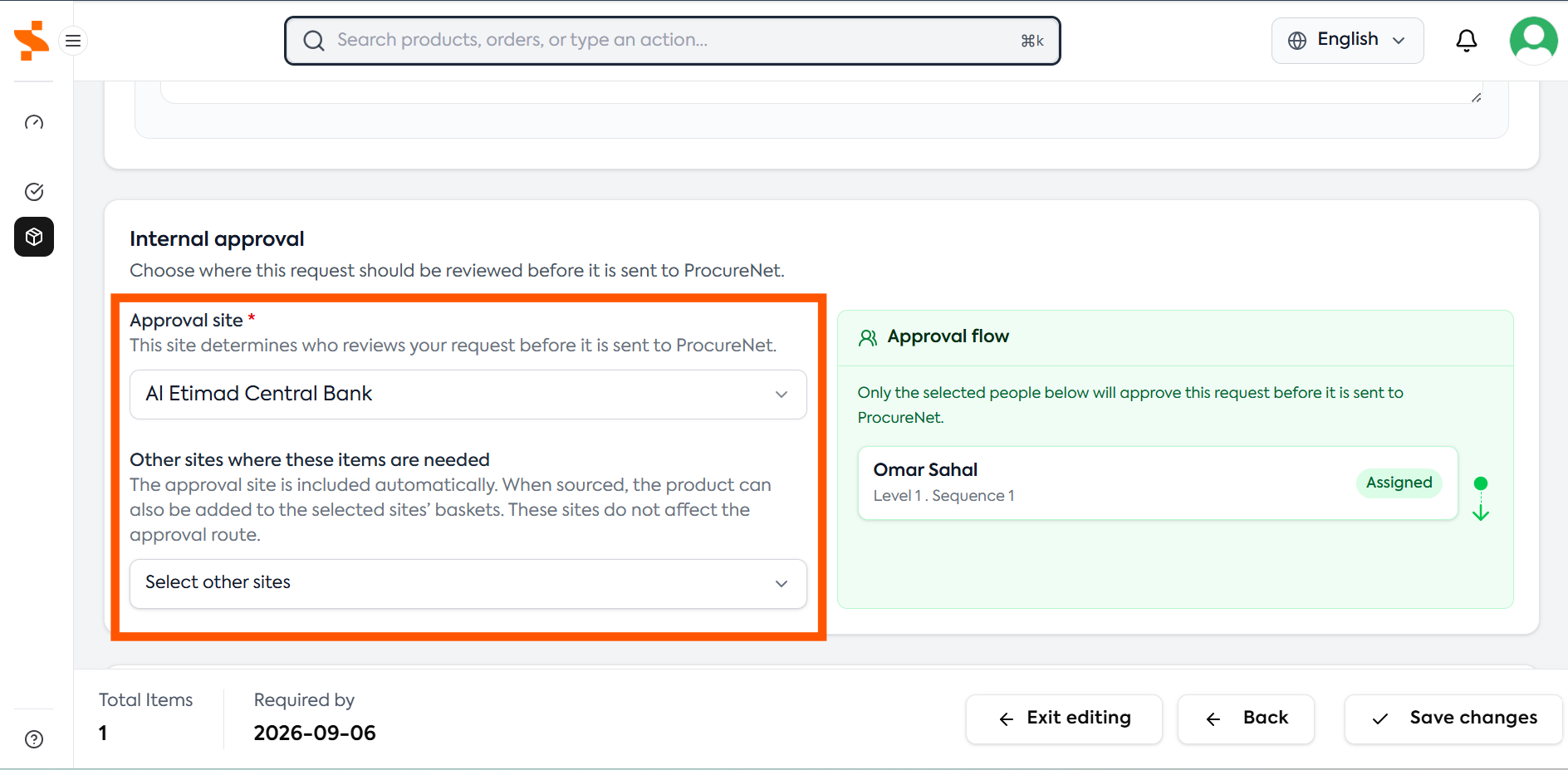
Only one site selected
Al Etimad Central Bank
After:
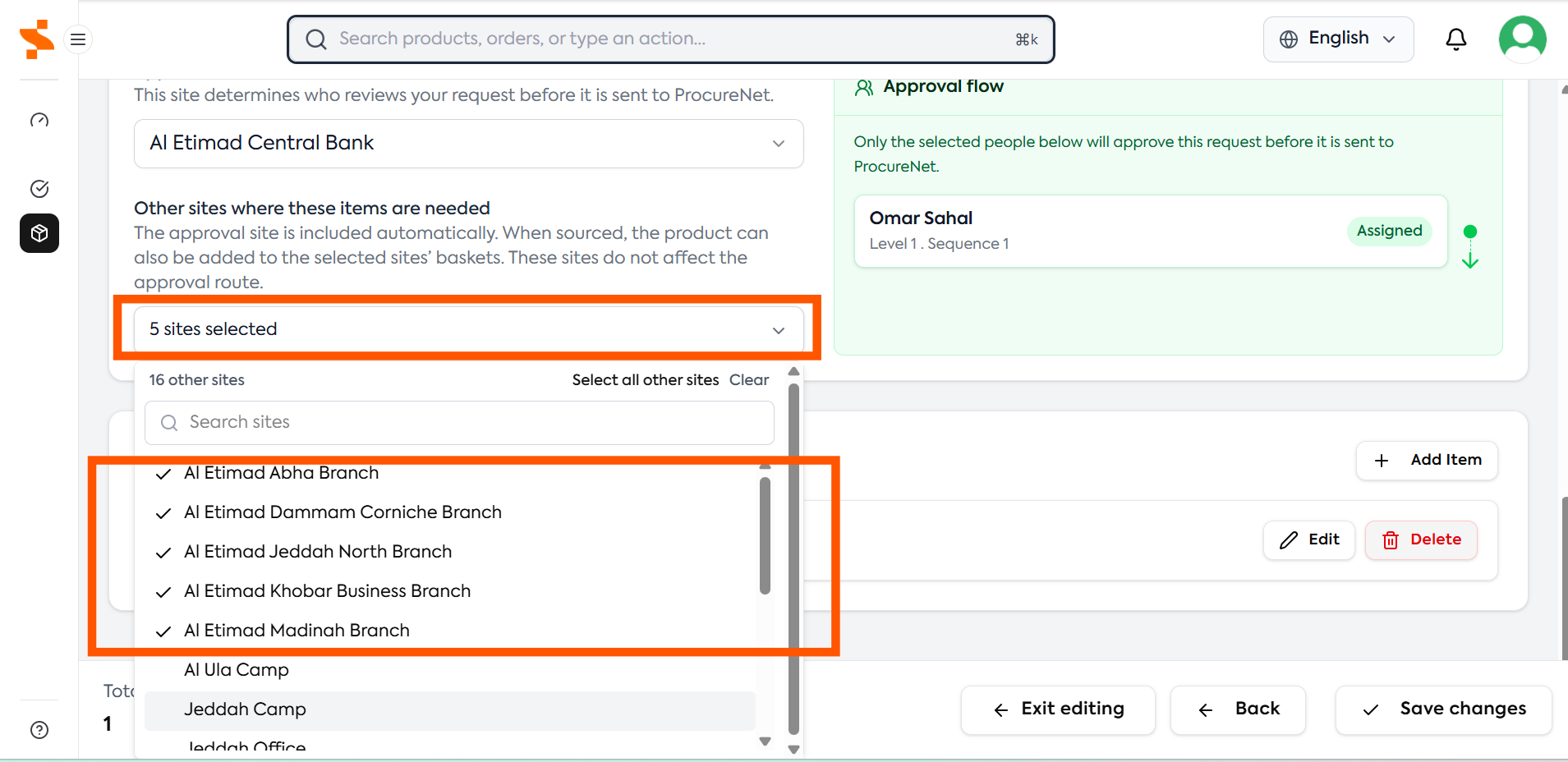
We notice that all branches belonging to our account should have these items, so we add the additional sites:
Al Etimad Jeddah North Branch
Al Etimad Khobar Business Branch
Al Etimad Dammam Corniche Branch
Al Etimad Madinah Branch
Al Etimad Abha Branch
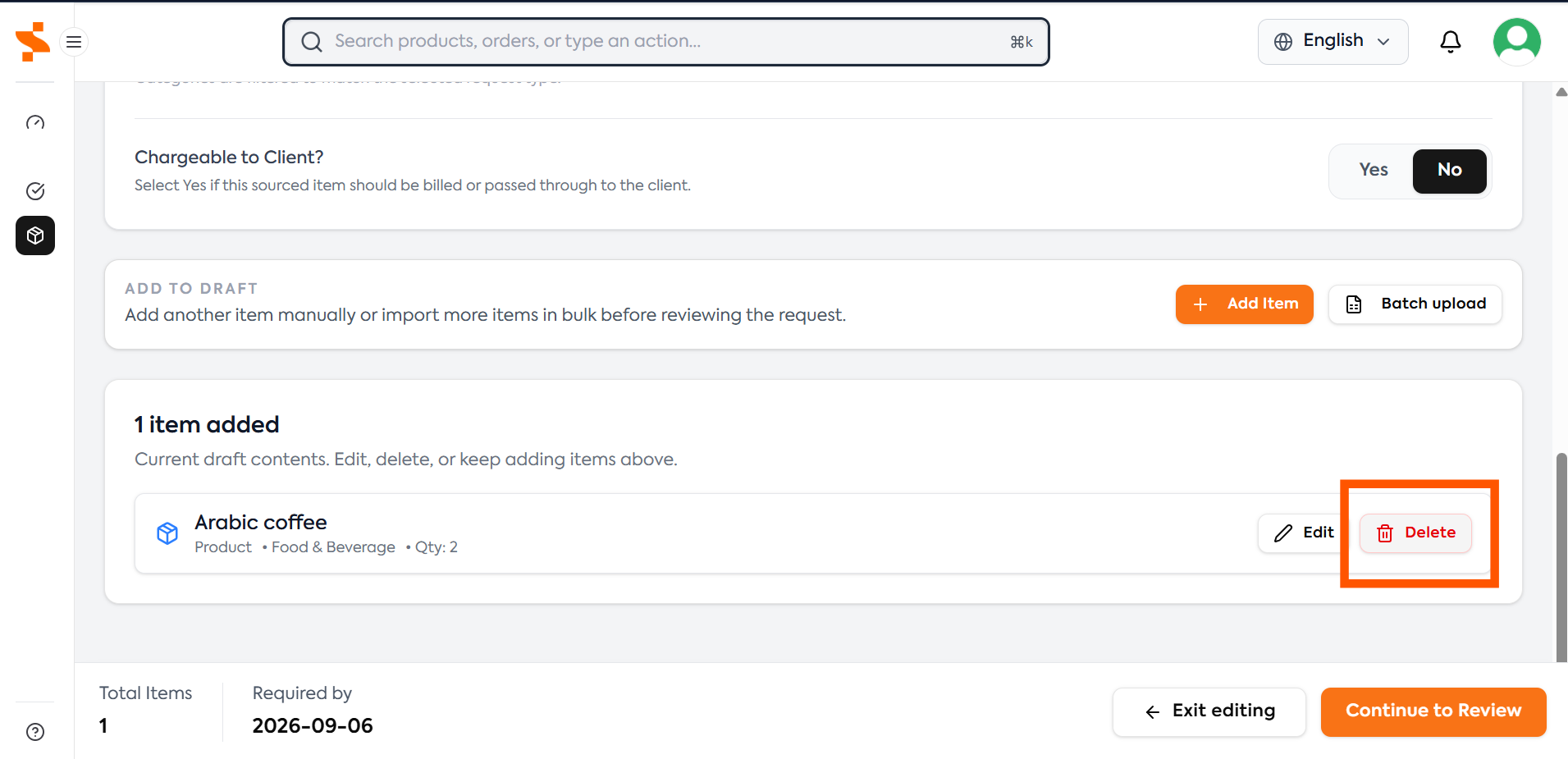
Remove Unnecessary Line Items
If a line item is not required, duplicates an existing requirement or should not be sourced, it can be removed from the request by clikcing:
Delete
Best Practices
When editing a request:
- Add missing specifications
- Add missing Sites
- Confirm quantities
- Confirm frequencies
- Remove unnecessary line items
- Provide as much information as possible
The more information provided, the easier it is for ProcureNet to source the correct products or services. For guidance on completing request fields, see Creating a Sourcing Request
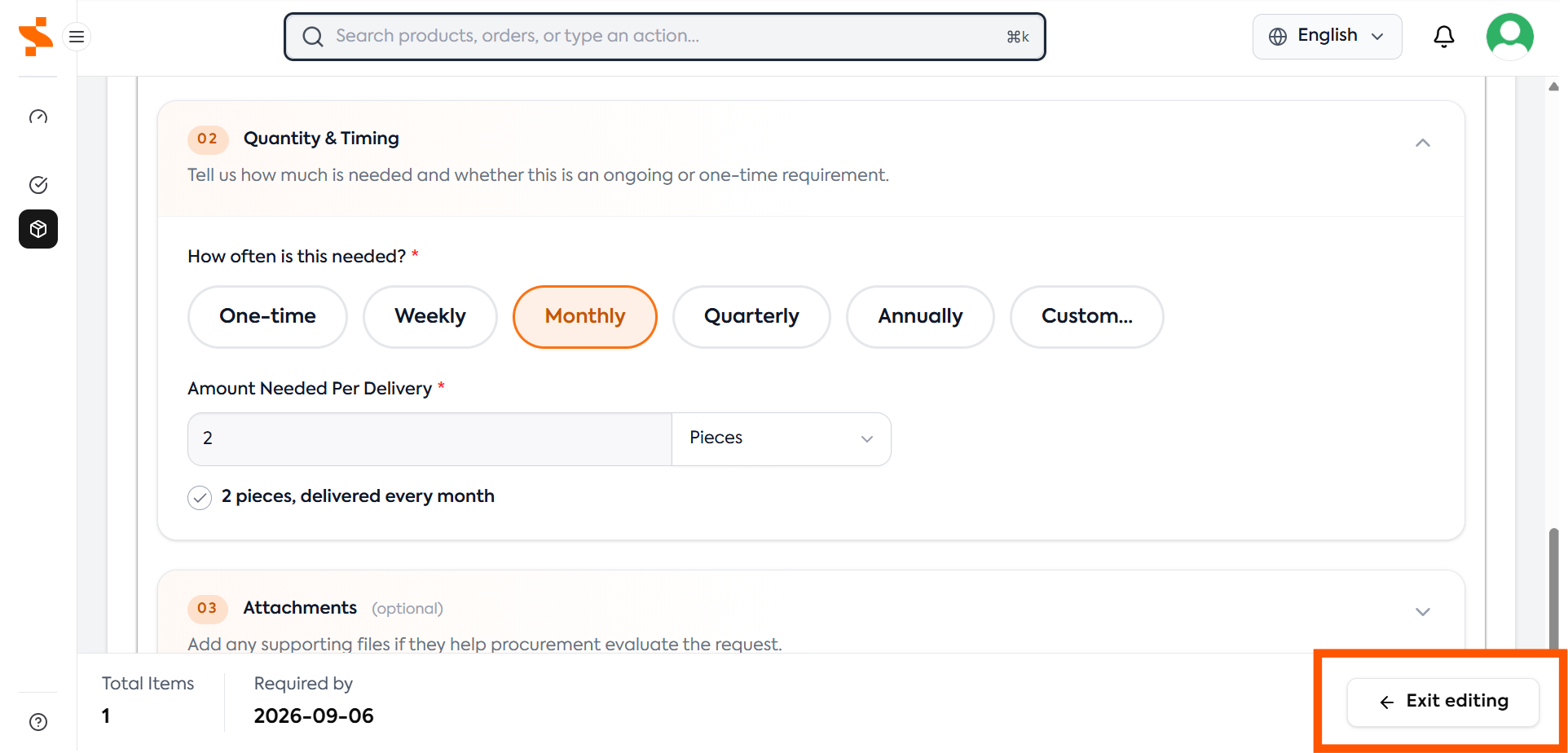
After making changes, click:
Exit Editing
Reject
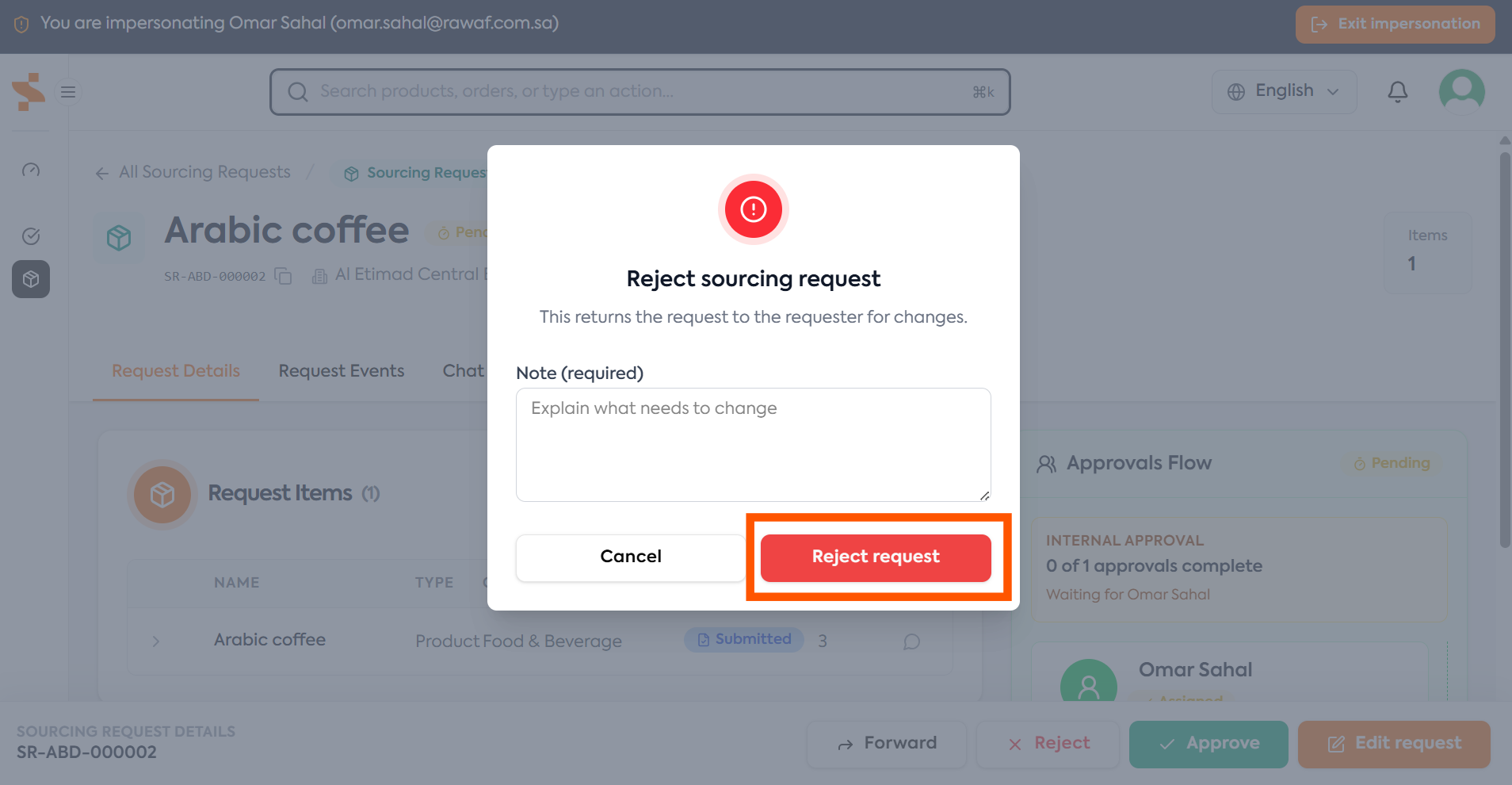
Reject the request if:
- The requirement should not proceed
- The request violates customer policy
- The request does not comply with approved standards
- The requirement is no longer necessary
When a request is rejected the status changes to Rejected
Pending Approval → Rejected
The requestor will be notified and will be able to resubmit the request after editing or close the request.
Once a Sourcing Request has been closed, it cannot be reopened. If the requirement is still needed, a new Sourcing Request must be created.
Forward
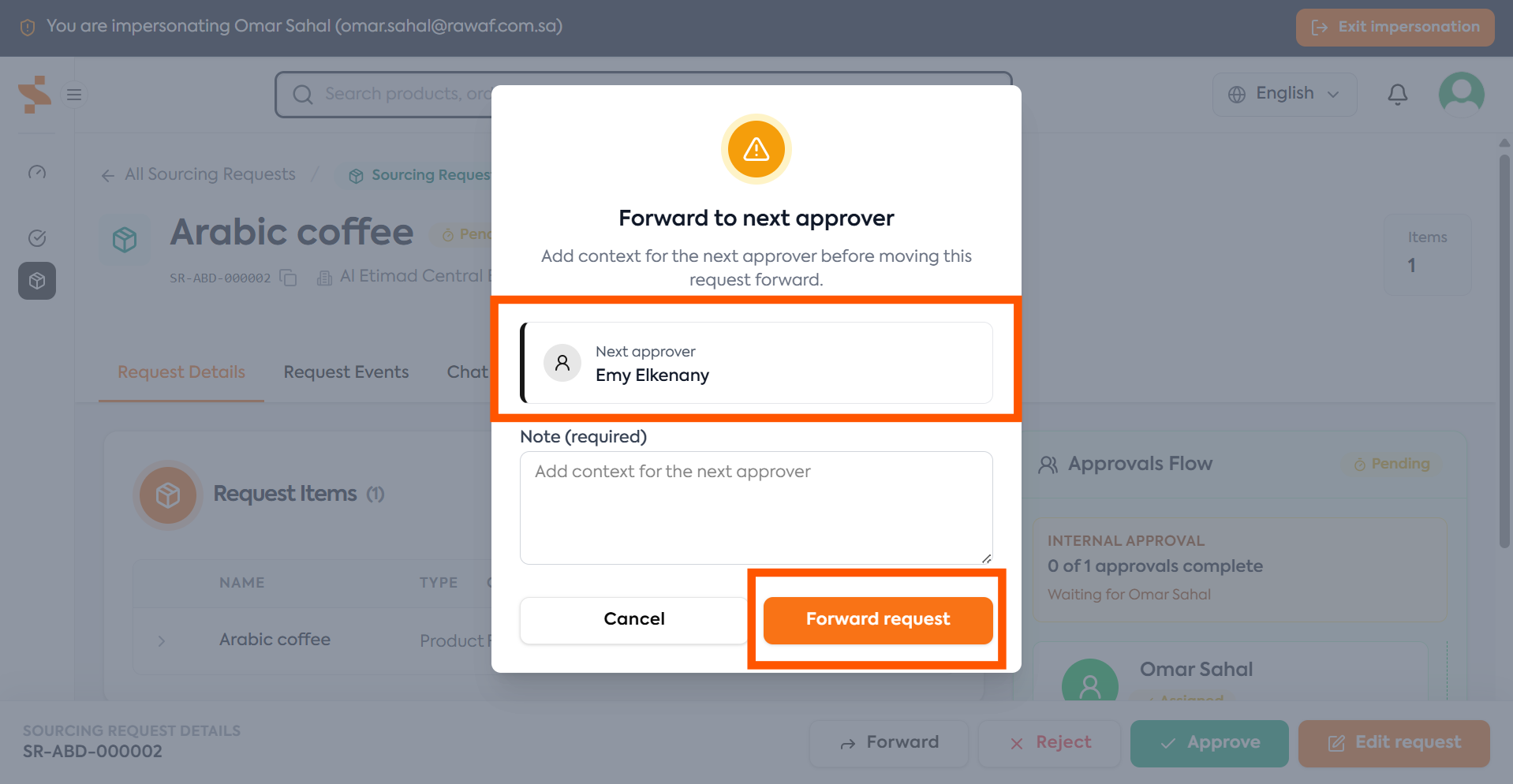
Forward allows you to send the approval directly to the next approver in the approval flow.
This is typically used when:
- You are not sure if request is approved and would like to escalate
When forwarded, the request status in the Pending Approval stage.
After Approval
Once all required approvals have been completed, the Sourcing Request is automatically submitted to ProcureNet.
The request then progresses through the sourcing lifecycle:
In Review → Sourcing → Completed → Closed
You can monitor progress by viewing the Sourcing Request For more information, see Tracking Sourcing Requests